.png)
Best Software for Running an Appliance Repair Business in 2026

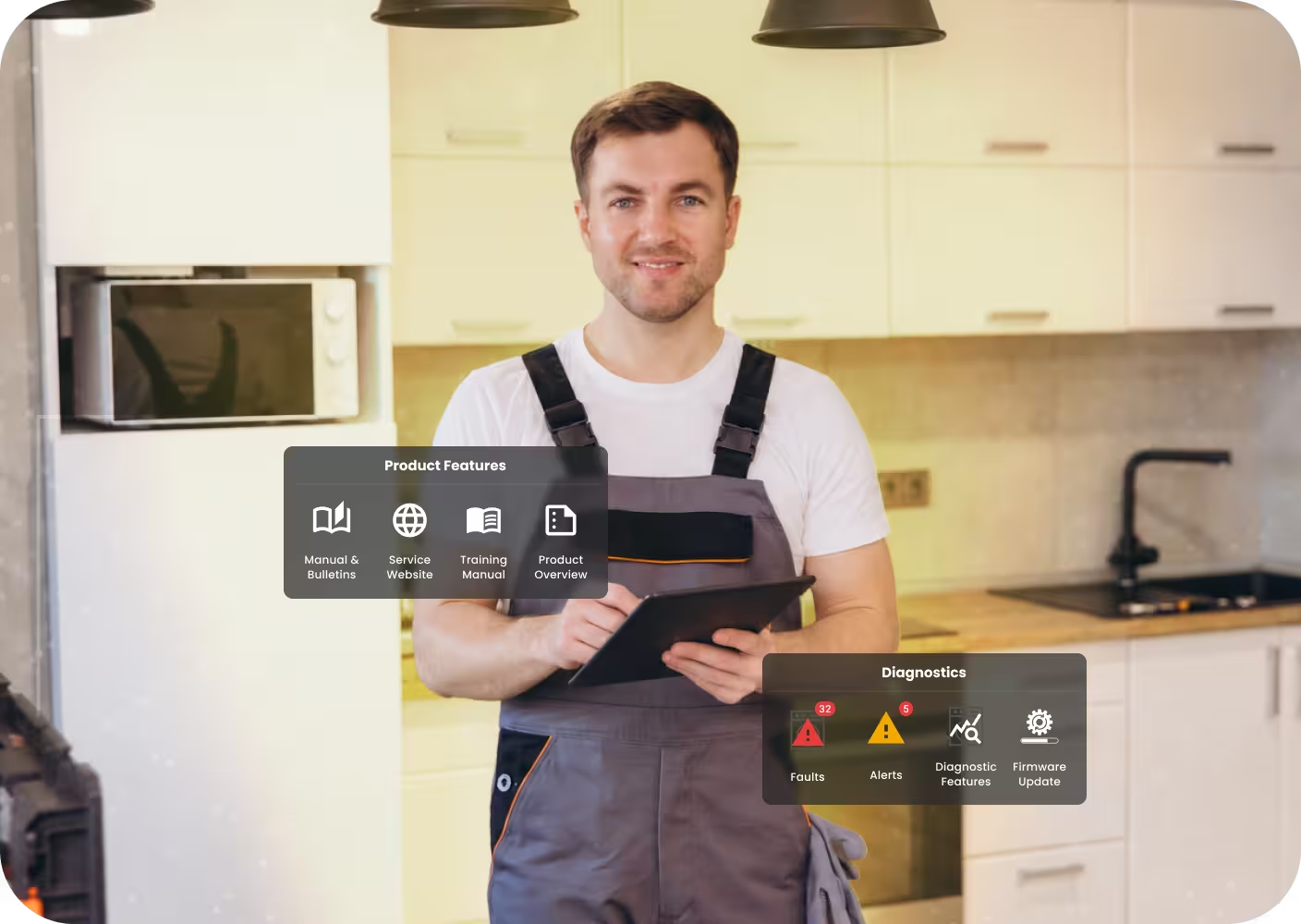
Real-time leak monitoring
Free leak monitoring
TL;DR
- Field service management (FSM) software runs the business side of a repair company: scheduling, dispatch, quotes, invoicing, and payments.
- Pick an FSM tool that matches your size. Housecall Pro and Jobber suit solo techs and small teams, Workiz and FieldEdge suit growing shops, and ServiceTitan suits larger operations with an office team.
- Diagnostic software covers the repair itself, putting fault codes, component tests, and service documentation in the technician's hands at the appliance.
- SmartHQ™ Service connects a technician's phone directly to GE Appliances, with real-time fault codes, firmware updates, schematics, and in-app parts ordering.
- The best results come from a stack: one tool to run the business, and one to help the tech fix the unit.
Two things decide how profitable an appliance repair business is. One is how smoothly work flows from the first phone call to the paid invoice. The other is how often a technician gets the diagnosis right on the first visit. Different software handles each one, and the two rarely live in the same tool.
Field service platforms cover the business side, which includes booking, dispatch, scheduling, and payments. Diagnostic tools cover the repair itself, putting fault codes, component tests, and service documentation in the technician's hands at the appliance. A shop that invests in one and ignores the other tends to feel it, either in a messy schedule or in repeat trips that eat the day.
This guide covers both layers. It reviews the leading field service platforms, shows where diagnostic software fits, and lays out how to combine them into a stack that fits your team size and the brands on your route.
What Software Does an Appliance Repair Business Need?
A repair business runs on a few kinds of software, each with its own job. The combination that fits you depends on your team size, your call volume, and the brands your team services day to day.
The main software categories in an appliance repair business
The first three categories keep the business organized. The fourth has the biggest influence on what happens at the appliance, and it is often the one missing from a shop's setup.
How We Chose the Tools in This Guide
We looked at each tool through the eyes of an independent repair company owner or service manager. Five factors guided the selection:
- Fit for appliance repair: How well the tool matches residential and light commercial repair work.
- Mobile experience: Technicians spend the day away from a desk, so the phone app carries weight.
- Setup and learning curve: How quickly a team can start using it.
- Reporting: The visibility it gives owners into jobs, technicians, and revenue.
- Integrations: Especially with accounting software and parts suppliers.
Best Software for Appliance Repair Businesses, by Category
Diagnostics and Repair Software
Every tool above gets the right technician to the right job. The next step happens at the appliance.
When a technician can see the fault code, test components, and pull up the right schematic in the first few minutes, the repair moves faster. The correct part goes on the order, and the job has a much better chance of closing on the first visit. When that information is missing, the result is often a second drive, another hour of labor, and a part heading back to the shelf.
1. SmartHQ™ Service
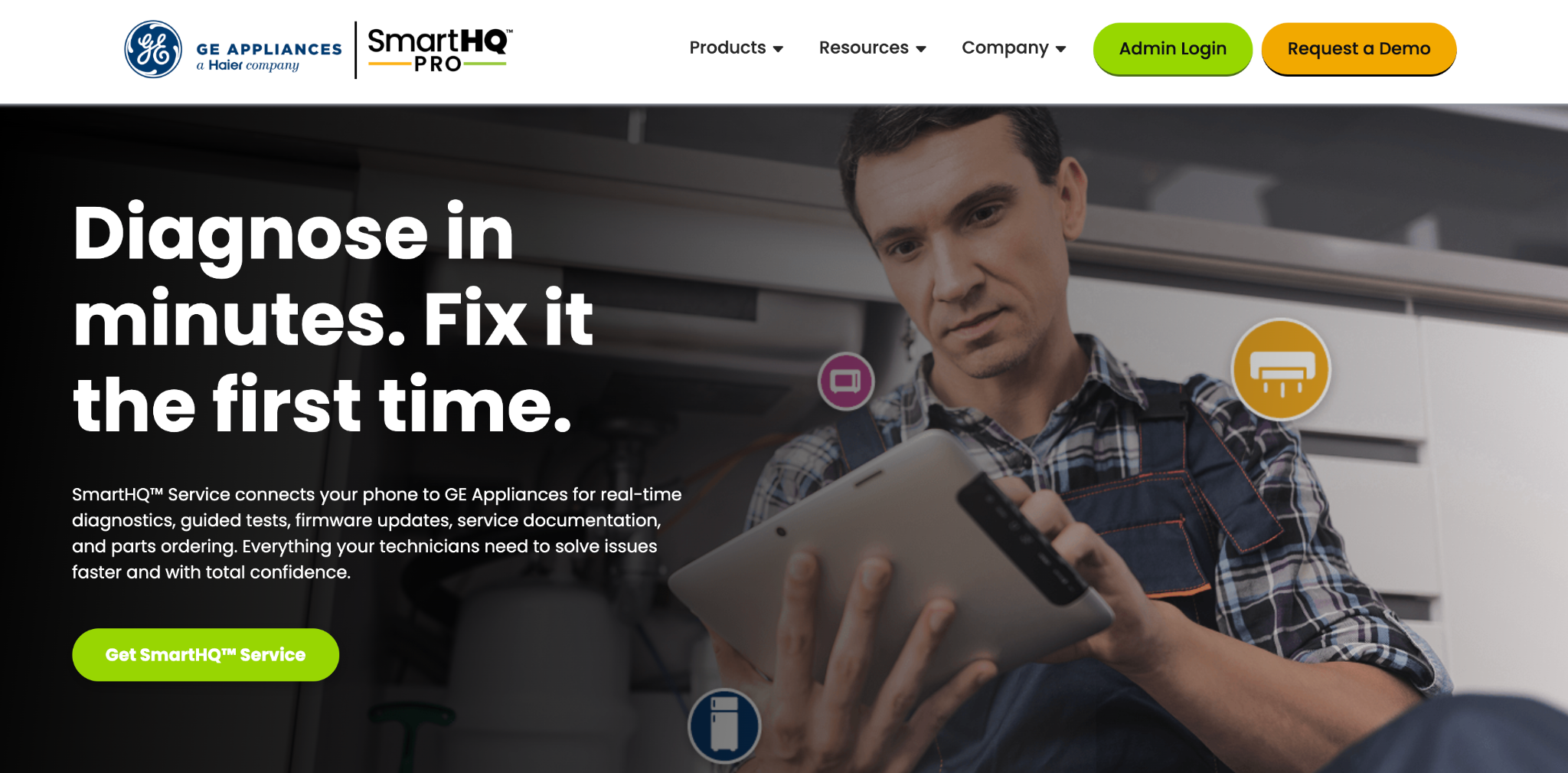
SmartHQ™ Service homepage
SmartHQ™ Service is a diagnostics app and Bluetooth module from GE Appliances. It connects a technician's phone directly to a GE appliance and puts real-time fault codes, guided tests, firmware updates, service documentation, and parts ordering in one place. The workflow follows three steps:
- Connect: Plug the SmartHQ™ module into the appliance's service port with the supplied RJ45 cable, then open the app.
- Diagnose: Read fault codes and monitor live alerts, then enter service mode to see readings such as temperature, fan speed, and amperage. Cycle history shows recent cycles, temperatures, and water levels, which helps track down intermittent issues that are hard to reproduce. Component controls let the technician switch individual fans, heaters, or valves on and off from the phone to confirm a part works before running a full cycle.
- Fix: Apply firmware updates to resolve software-related issues, and open manuals, schematics, and wiring diagrams for the exact model on the bench. OneParts finds the correct part on an exploded diagram with the model number filled in automatically, then the order goes through the Parts Marketplace using your preferred distributor account code. Session notes record what was found and done, and they can be shared with the team.
Results From the Field
On GE Appliances’ own published figures, SmartHQ™ Service cuts diagnostic time by 80 to 90% and lifts first-time fix rates to as much as 95%. Two published field reports show what that looks like in practice:
- At Lakehouse Apartments, a team cleared eight appliances in four hours on work that had been booked for three days, and saved roughly $1,200 in parts.
- At The Heyward Apartments, technicians used it to verify appliances during turnover. They updated twenty control boards over three weeks, identified about $1,500 in potential parts savings, and brought dishwasher test time to under ten minutes.
Where SmartHQ™ Fits in Your Business
SmartHQ™ Service focuses on diagnosis and repair. Scheduling, dispatch, invoicing, and payments stay in your FSM tool, and technicians run both side by side on the same phone, one to manage the job and one to fix the appliance.
For owners and service managers, the SmartHQ™ Customer Portal handles the admin side. Administrators add or remove technicians, assign licenses, and pull usage data across the whole team, and each technician can check their own Usage Report by week, month, or year.
Best for: Repair businesses that service GE Appliances and want faster, more accurate diagnosis on every call.
A Note on Brand Coverage
SmartHQ™ Service is built specifically for GE Appliances, with compatibility across a wide range of models dating back to 2012. For other brands, technicians rely on each manufacturer's own service resources. The more GE jobs your team handles each week, the more often SmartHQ™ Service comes into play on the route.
Field Service Management Software
Field service management platforms are the operational backbone of a repair company. They take a job from the first phone call through to the paid invoice.
2. ServiceTitan
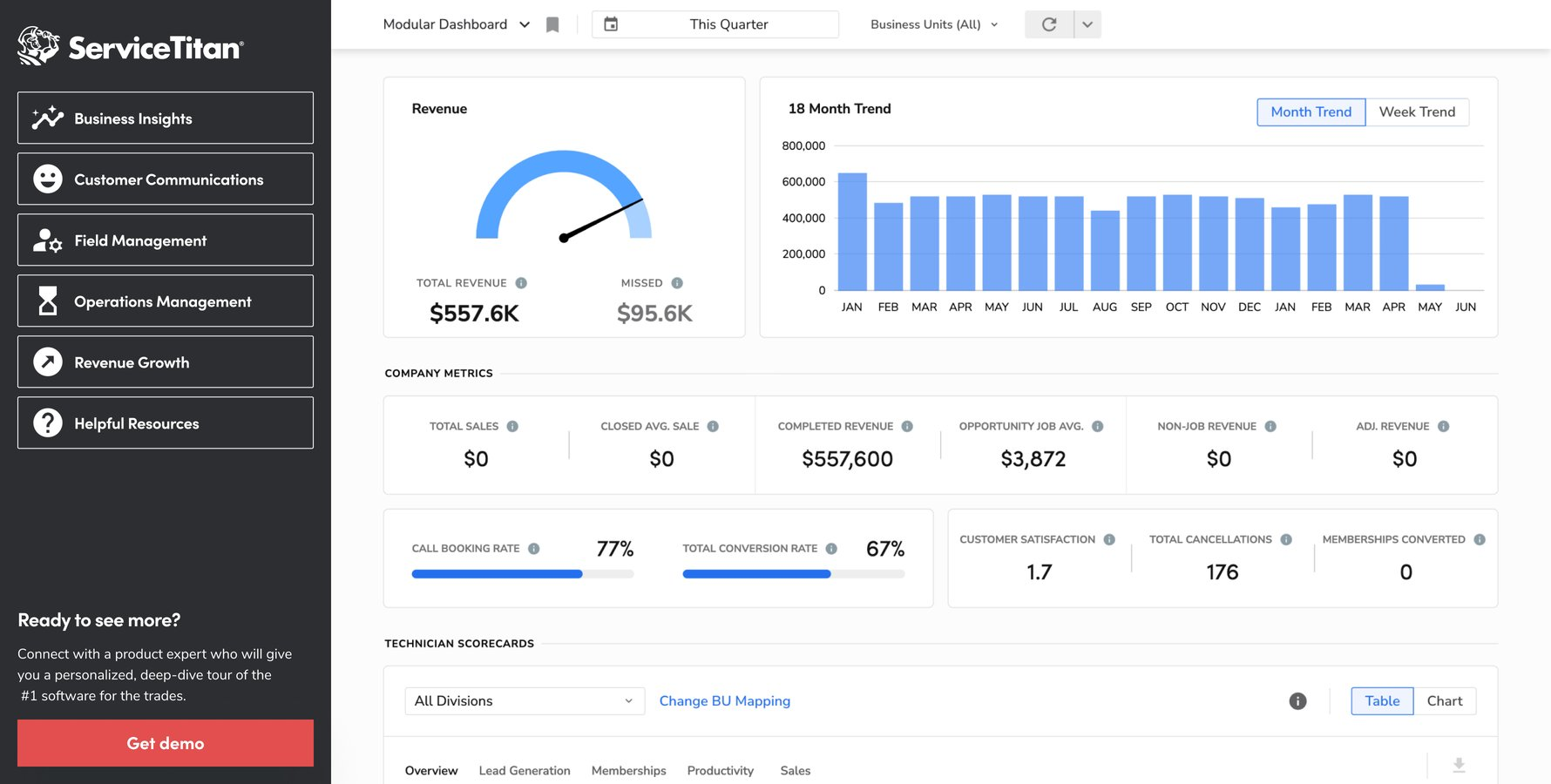
ServiceTitan modular dashboard
ServiceTitan is built for larger residential and commercial service companies. It combines dispatch, a pricebook, marketing tools, and detailed reporting in one platform. Setup takes longer than the lighter tools, which suits a business with an office team ready to run it.
Best for: Established, multi-technician operations planning significant growth.
3. Housecall Pro
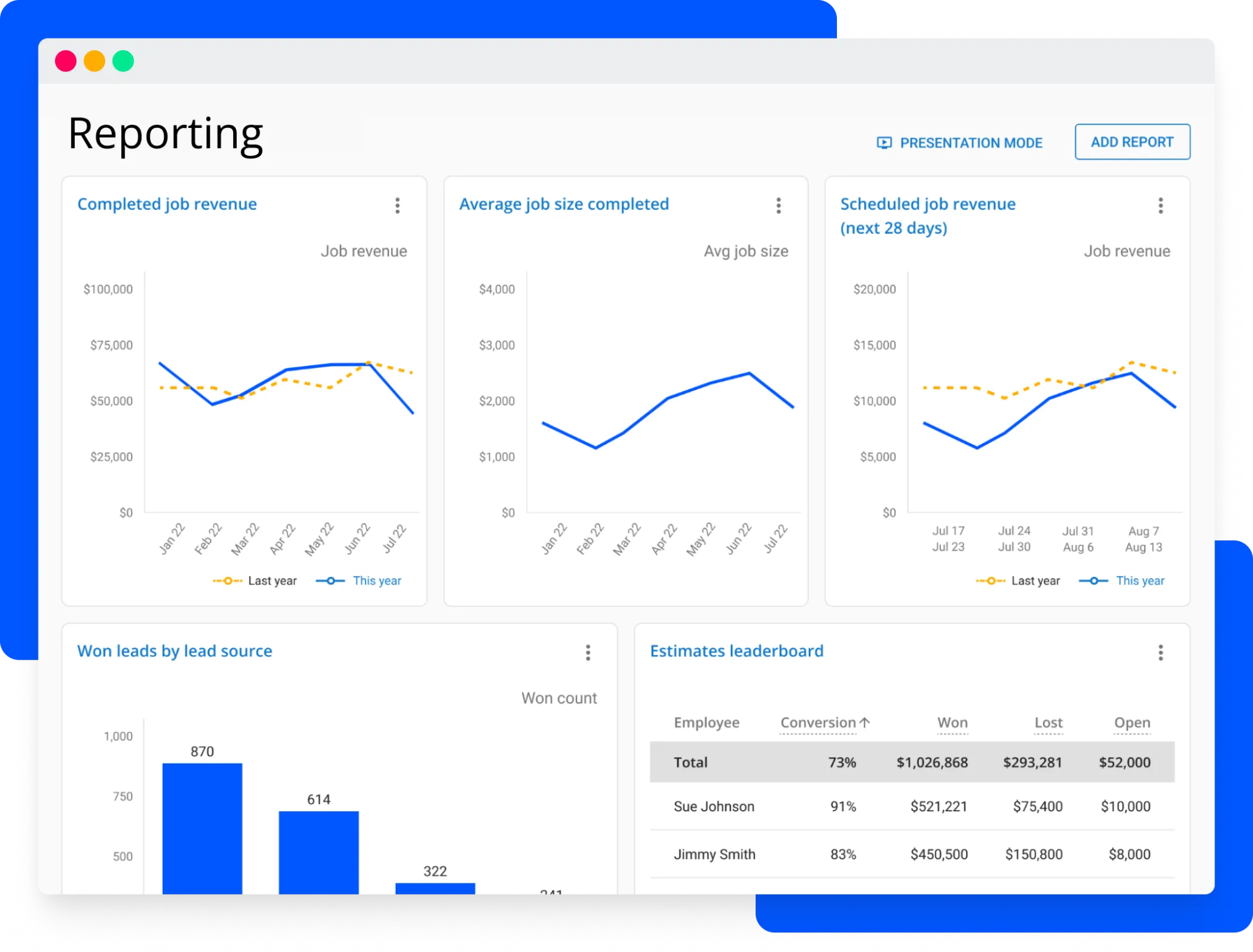
Housecall Pro reporting dashboard
Housecall Pro covers scheduling, dispatch, estimates, invoicing, and online payments in an app technicians pick up quickly. Customers can book online and get automated appointment updates, which cuts phone traffic for small teams.
Best for: Solo technicians and small teams that want a quick start.
4. Jobber
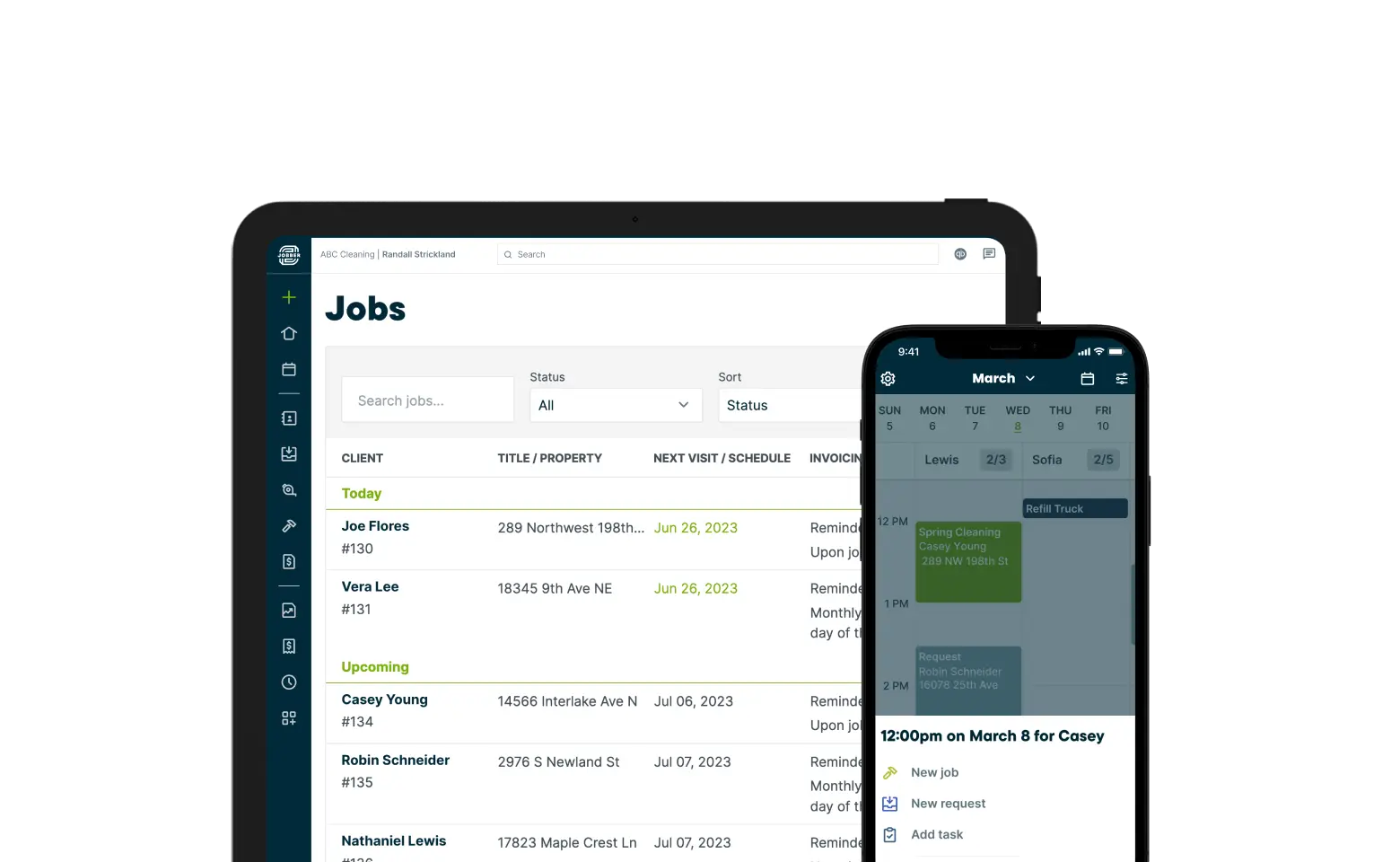
Jobber work orders
Jobber keeps the workflow simple, moving from quote to scheduled job to invoice. Its client hub lets customers approve quotes, check appointments, and pay in one place, which makes it comfortable for owners who handle the admin themselves.
Best for: Very small teams that value a clean, simple interface.
5. Workiz
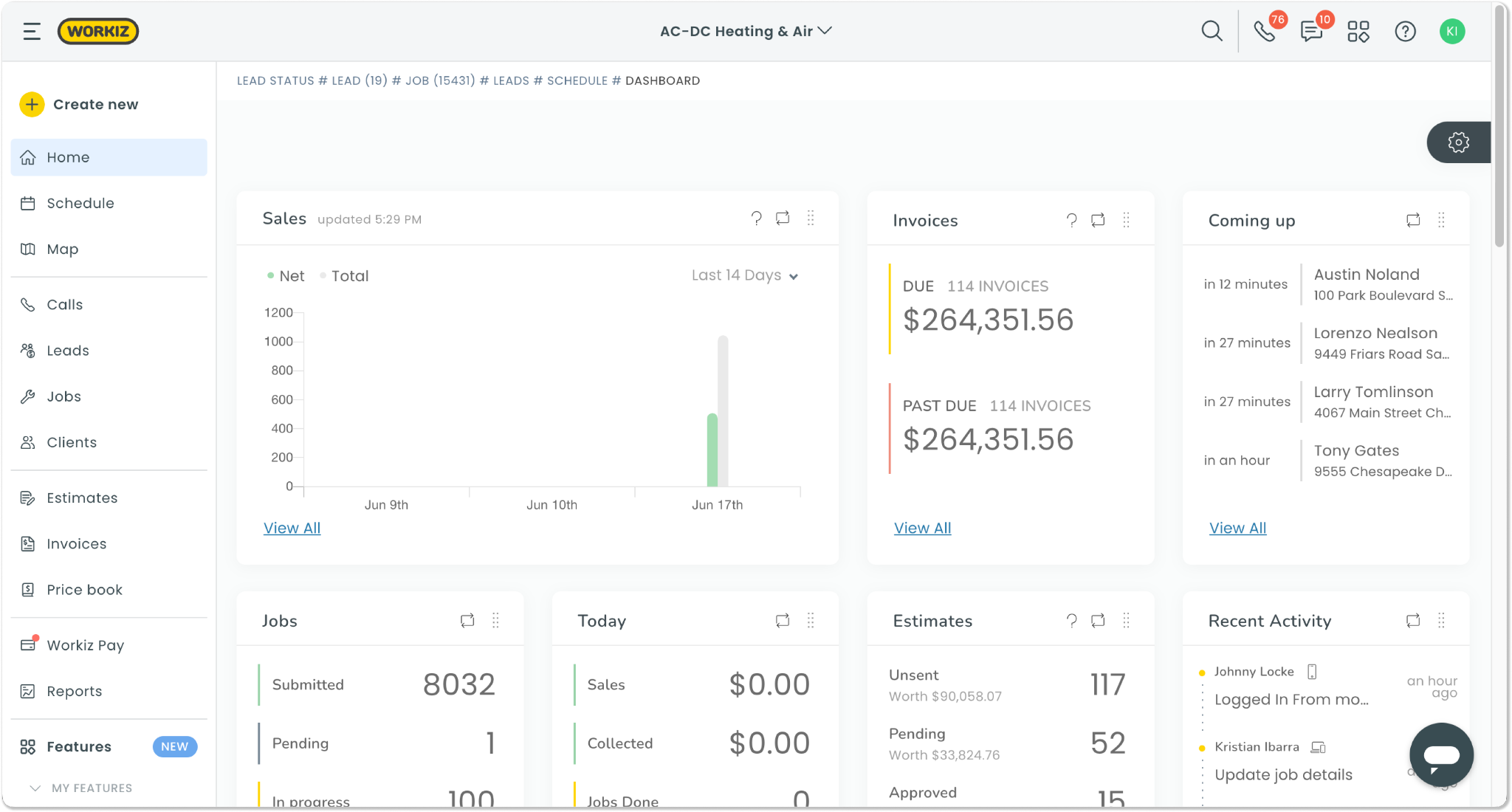
Workiz home dashboard
Workiz pairs scheduling and invoicing with a built-in phone system and CRM. Calls, customer history, and jobs sit together, which helps when several people answer the phones.
Best for: Growing teams that book a large share of jobs by phone.
6. FieldEdge
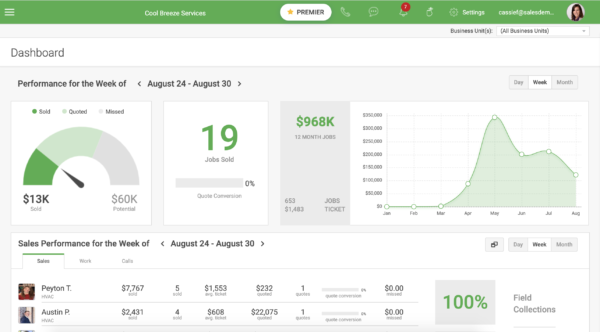
FieldEdge dispatch dashboard
FieldEdge offers a detailed dispatch board, service agreement management, and a close connection with QuickBooks. It suits shops with regular maintenance customers and an owner who wants a clear view of the numbers.
Best for: Established shops with service agreements and a focus on reporting.
7. Service Fusion
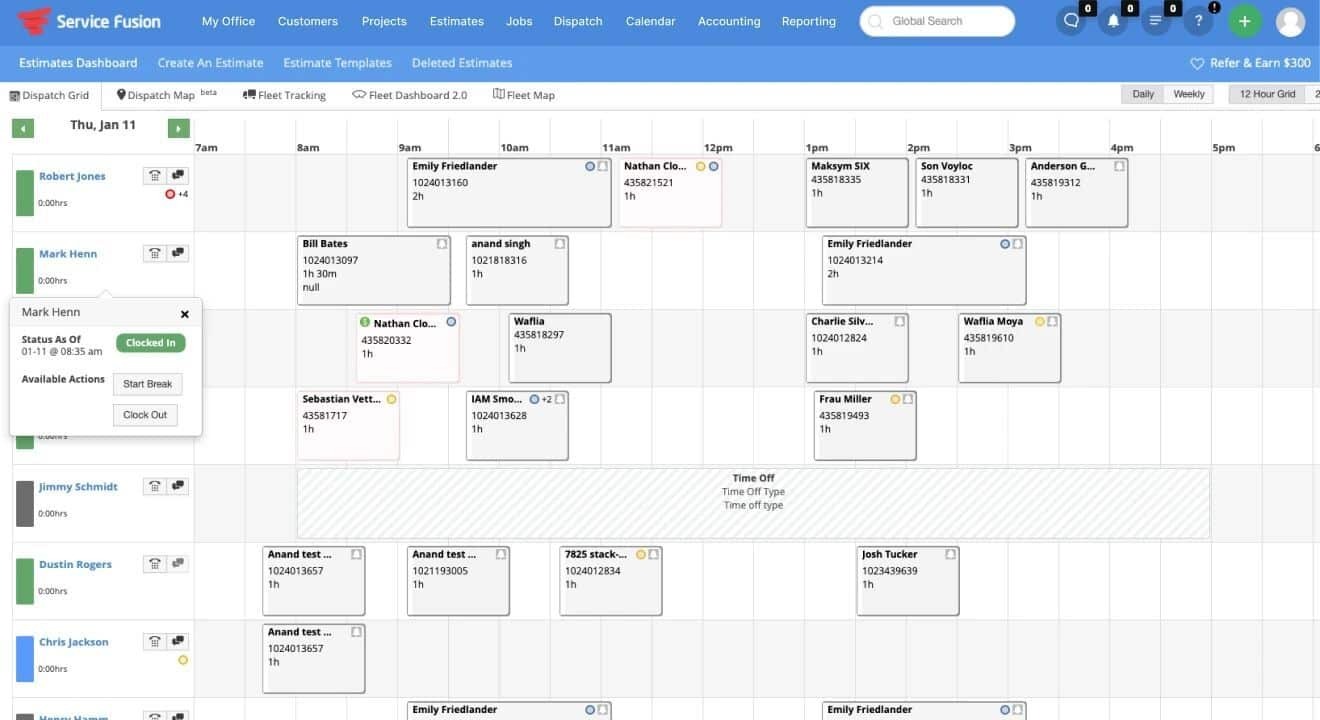
Service Fusion field service management dashboard
Service Fusion covers scheduling, dispatch, invoicing, and customer management, and it connects with QuickBooks. It gives mid-size teams a full set of FSM features in a straightforward layout.
Best for: Small to mid-size teams that want an all-round FSM platform.
How the Tools Compare
How to Build Your Appliance Repair Software Stack
The right combination depends on your team size and how your jobs come in. Here is how the pieces tend to fit together.
Suggested software stack by business type
1. When a Simple FSM Tool is Enough
If you run the business yourself and handle a steady number of calls each day, an easy FSM tool covers booking, invoicing, and payments.
Adding a diagnostics app for GE jobs means each call is more likely to close in one visit, which matters a lot when you are the only technician on the road.
2. When to Add More Structure
Once several technicians share the schedule, dispatch and reporting start to matter more.
A mid-tier FSM tool keeps the schedule balanced, and the SmartHQ™ Customer Portal gives service managers visibility into how each technician uses diagnostics on their calls.
3. When First-Time Fix Becomes a Key Metric
Larger shops tend to track callbacks and first-time fix rates closely, since each repeat visit takes a slot that could have gone to a new job.
Pairing detailed FSM reporting with a diagnostics tool helps managers connect better diagnosis to fewer return trips.
How to Choose the Right Software for Your Business
A few questions narrow the field before you book any demos.
1. How many technicians do you run?
Team size shapes how much dispatch and reporting power you need.
2. What share of your jobs involve GE Appliances?
This tells you how often a GE-specific diagnostics tool will come into play each week.
3. What is your current callback rate?
If repeat visits come up often, the diagnosis step deserves as much attention as the schedule.
4. Which accounting system and parts distributors do you use?
Check that your FSM tool connects with your accounting software. For SmartHQ™ Service, have your distributor account code ready for parts orders.
5. How much time can you set aside for setup?
Lighter appliance repair tools get you running in days. Larger platforms reward a longer onboarding period with deeper features.
Getting Started with SmartHQ™ Service
Once you have settled on your FSM tool, adding SmartHQ™ Service follows a short setup.
1. Set Up Your Team
An administrator signs in to the SmartHQ™ Customer Portal, adds technicians, and assigns licenses. From there, the portal tracks purchased and available licenses and shows usage across the team.
2. Download the App
Technicians install SmartHQ™ Service from the Apple App Store or Google Play and sign in.
3. Connect to the First Appliance
At the job, the technician plugs the module into the appliance's service port with the RJ45 cable. The app then opens a live session with fault codes, alerts, and service mode readings.
4. Use the Resources Between Calls
Many features stay available in the app between jobs. Technicians can read up on a model before arriving, or review notes from a previous visit.
SmartHQ™ Service features and when technicians can use them
Selecting the Right Stack for Your Repair Business
So what is the best software for an appliance repair business? For a typical company, the answer is a pair of tools. A field service management platform keeps the schedule full, the invoices moving, and the customer records in order. A diagnostic tool helps each technician find the fault quickly, order the right part, and close the job on the first visit.
If GE Appliances make up a regular part of your work, SmartHQ™ Service adds that diagnostics layer alongside whichever FSM platform you choose.
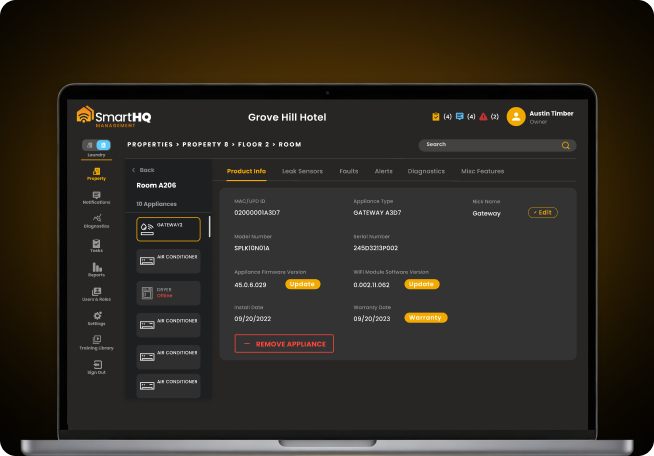
Still troubleshooting laundry equipment by trial and error?
- Real-time fault codes read straight from the appliance
- Isolated component testing without a full teardown
Real-time
leak monitoring