

Daily and weekly water-usage monitoring
Set Up a SmartHQ™ Leak Sensor with a GE or Profile Smart Water Softener
Connect a compatible SmartHQ™ Leak Detect sensor to your connected GE or Profile water softener for added leak monitoring.
SmartHQ can provide water-flow information, notifications, and connected controls depending on your water softener model and installed accessories.
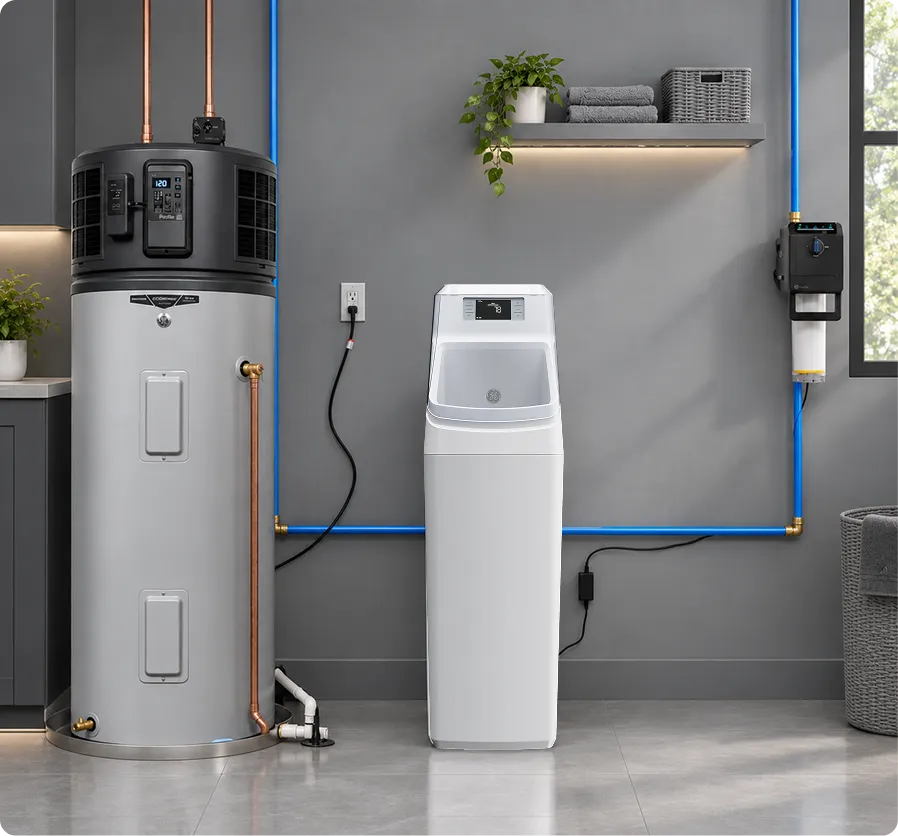
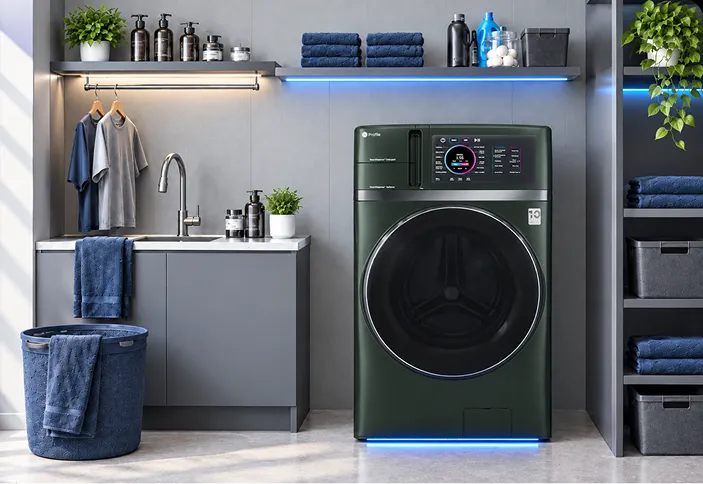
GE Profile™ GEOSPRING™Smart Hybrid Heat Pump Water Heater
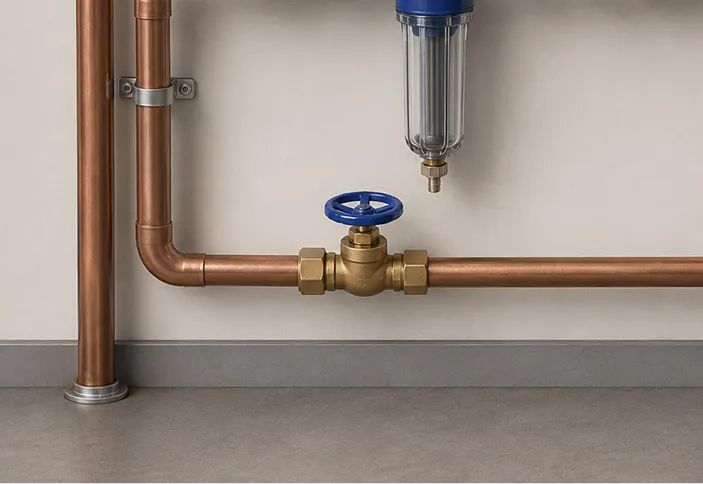
GE Profile™ SmartWater Valve
GE™ SmartWater Softener
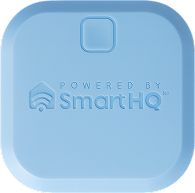
SmartHQ™ LeakDetect Sensor
How It Helps
What Can SmartHQ™ Do with a GE or Profile Smart Water Softener?
Compatible GE or Profile smart water softeners use built-in Wi-Fi and the SmartHQ™ app to provide connected water-management features. Depending on your model and installed accessories, SmartHQ features can include:
Continuous water-flow alerts
Potential leak alerts
Low-salt notifications
Remote water shutoff
Requires a compatible shutoff valve.
Vacation Mode
Leak sensor monitoring
Pair with compatible SmartHQ™ leak sensor to the softener to get an alert.
Your Checklist
6 Things You NeedBefore You Begin
*The shutoff valve is only needed if you want automatic shutoff.


0 of 6 ready
Connect to SmartHQ™
How Do You Connect a GE Water Softener to SmartHQ™?
Your water softener must be connected to SmartHQ™ before you can use compatible connected leak-detection features.


 LET’S GET STARTED
Step 1
Download the SmartHQ app from the app store.
01/07
Pair Your Leak Sensor
How Do You Pair Your Leak Sensor & GE Water Softener?
Pair a SmartHQ™ leak sensor with your connected water softener to help protect your home from leaks.
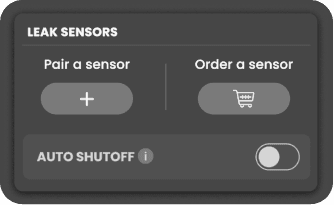
Step 1
Open Your Water Softener
Select your connected water softener from the SmartHQ home screen.
01/04
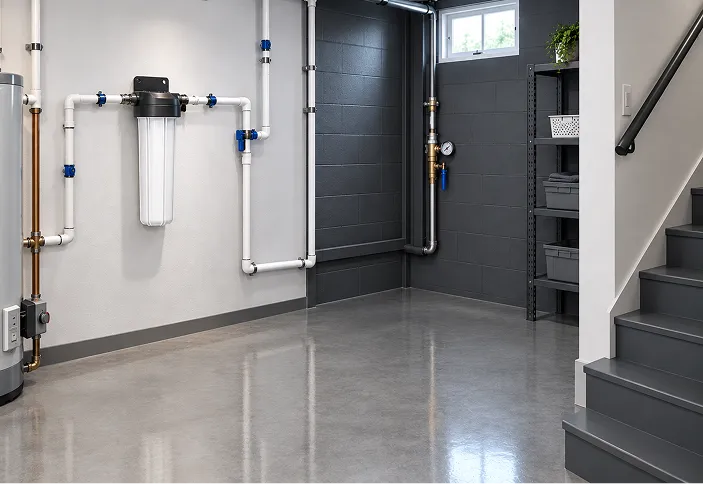
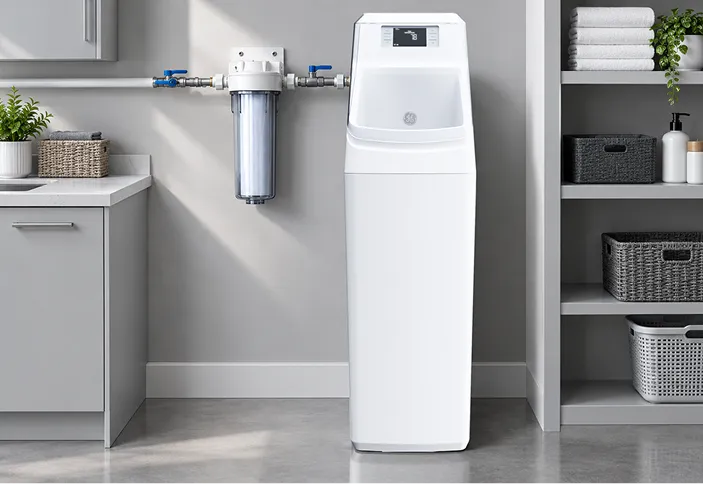
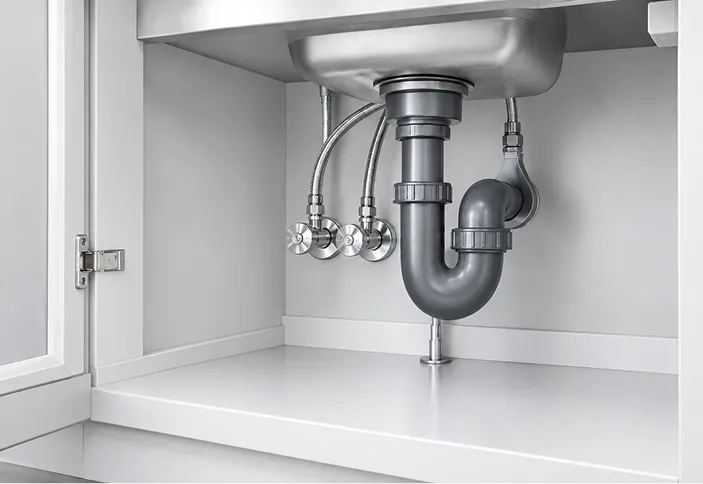
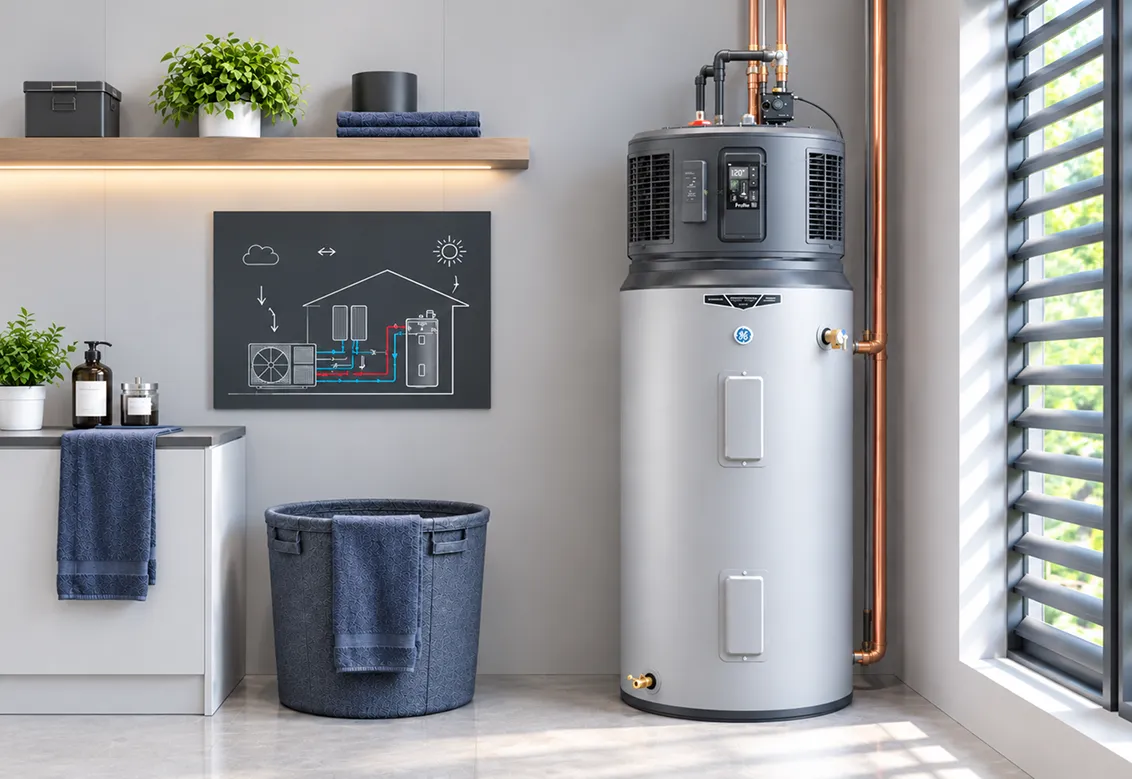
SENSOR PLACEMENTS
Where Should You Put a Water Leak Sensor?
GE Appliances recommends placing water leak sensors in areas where leaks may occur to help reduce the risk of water damage.
LEAK SENSOR KIT
What is the SFLK010A SmartHQ™ Leak Detect Kit?
The wireless sensor can provide leak notifications through the SmartHQ app when properly installed and connected.
Simulation ready. Click Simulate leak detect to begin.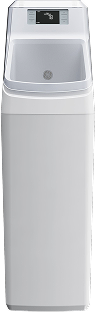



AUTO SHUTOFF
WATER SHUTOFF VALVE
Turn On Auto Shutoff
When the required valve and compatible leak-detection features are installed, SmartHQ can help stop water flow after a leak is detected.
Open the Leak Sensors card and follow the SmartHQ control settings available for your model.
FAQ’s
Frequently Asked Questions
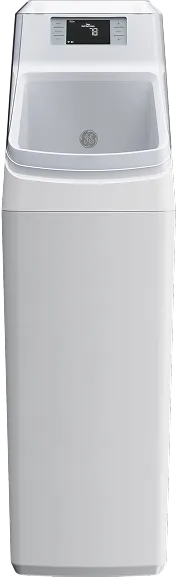

The RMVALVESFT GE® Water Softener Remote Water Shutoff Valve is an optional accessory for compatible GE smart water softeners. It installs at the rear of the water softener and allows homeowners to shut off water to the home remotely through SmartHQ. Compatible GE smart water softeners can also provide continuous water-flow and potential leak alerts when used with the appropriate connected shutoff system.
Compatible GE smart water softeners can send SmartHQ notifications for continuous water flow and potential leaks when configured with supported connected equipment.
Compatible models with a supported water shutoff valve allow remote whole-home water shutoff through SmartHQ.
The SmartHQ leak sensor operates wirelessly and uses two AAA batteries.
Place it near areas most likely to experience water leaks, such as the water softener, nearby plumbing connections, sinks, water heaters, laundry equipment, or basement plumbing.
If water is actively leaking from the water softener, stop the water supply or place the appliance into bypass when safe to do so. Contact the installer or a qualified plumber for installation-related leaks.
A leak sensor is an early-warning device. It does not replace proper repair of a leaking appliance or plumbing connection.