

Reduce Sand
Set Up a SmartHQ™ Leak Sensor with the GE Profile™ Smart Water Valve with Integrated Filtration
Connect a compatible SmartHQ leak sensor to your GE Profile™ Smart Water Valve with Integrated Filtration to expand leak monitoring throughout your home.
The Smart Water Valve connects with SmartHQ for water monitoring, leak protection, and remote water shutoff.
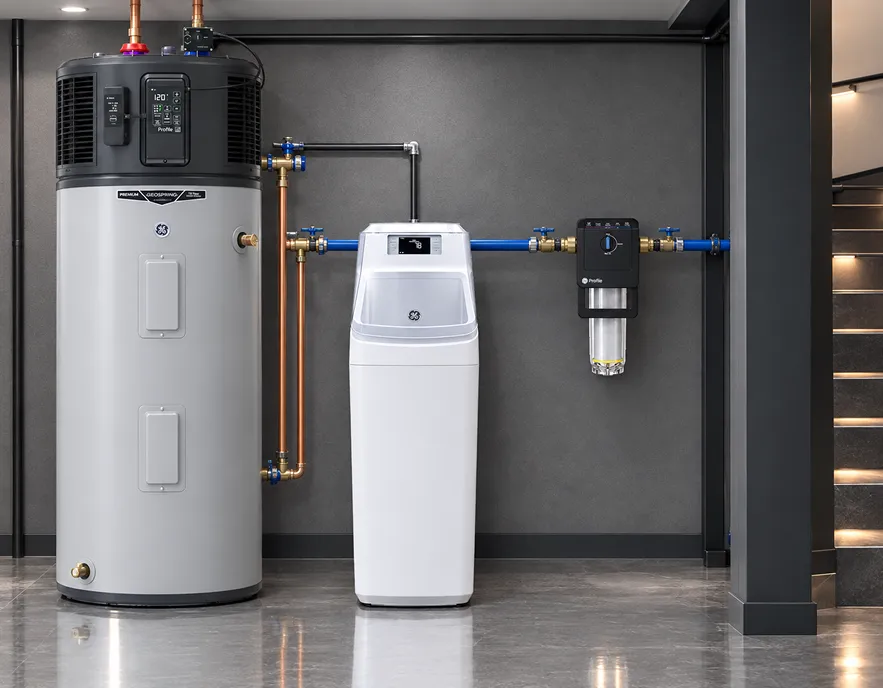
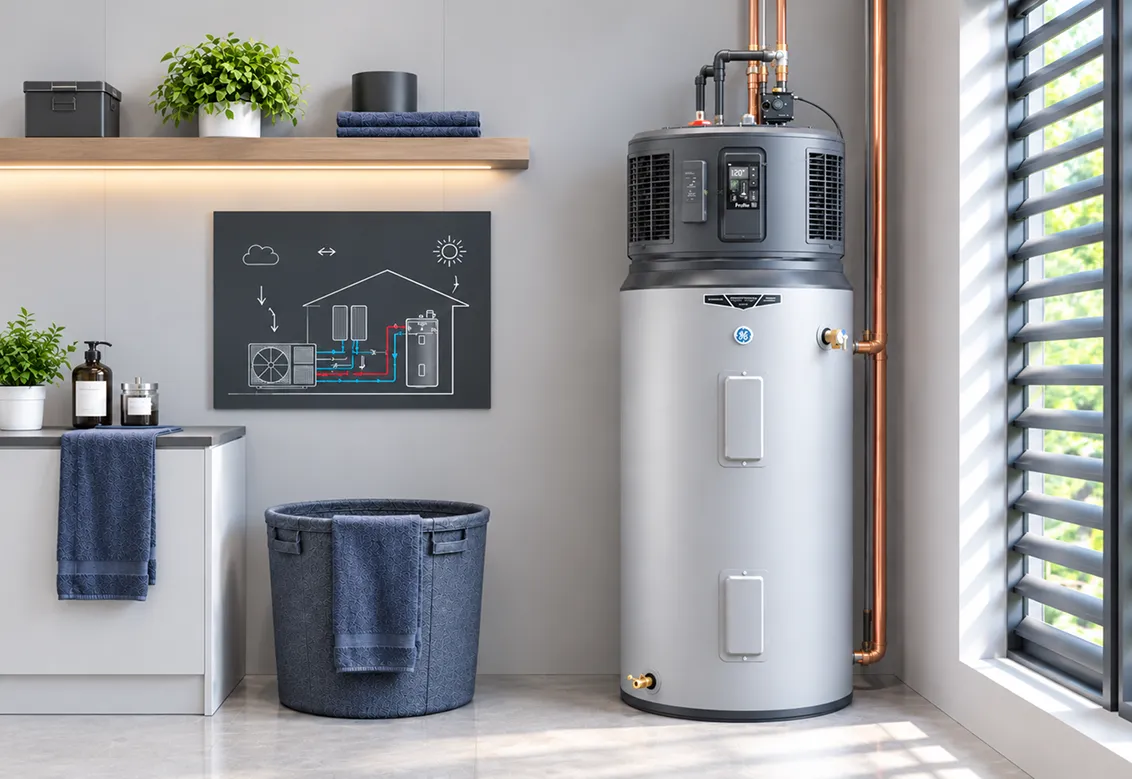
GE Profile™ GEOSPRING™Smart Hybrid Heat Pump Water Heater
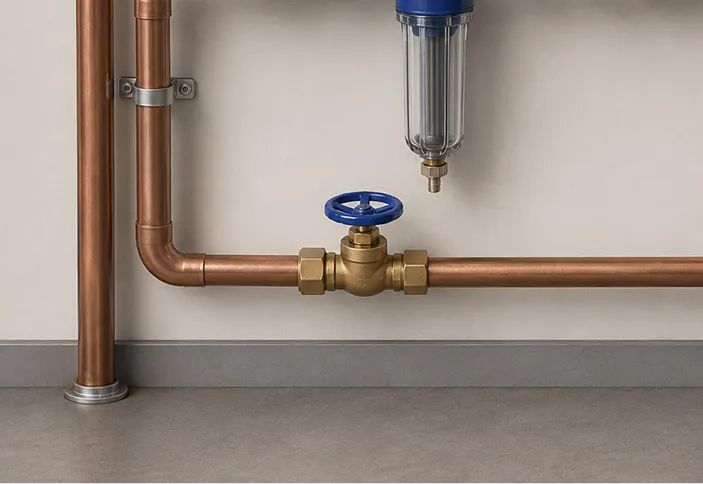
GE Profile™ SmartWater Valve
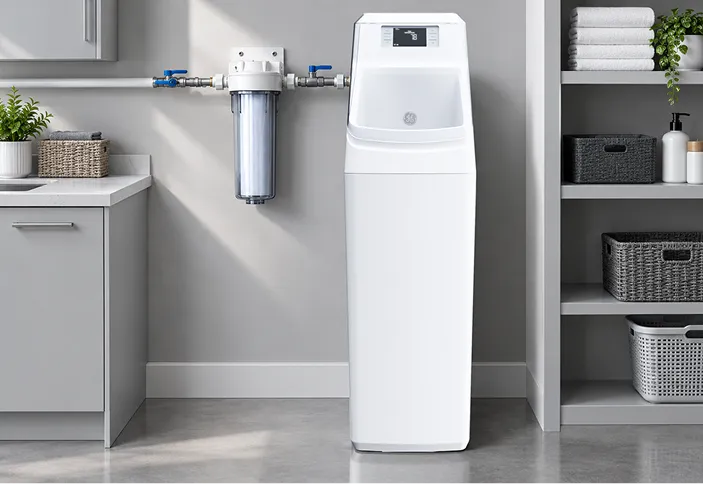
GE® SmartWater Softener
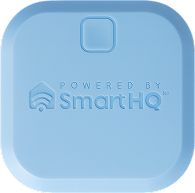
SmartHQ™ LeakDetect Sensor
How It Helps
What Is the GE Profile™ Smart Water Valve with Integrated Filtration?
The GE Profile™ Smart Water Valve with Integrated Filtration is a whole-home, point-of-entry water system. It combines water monitoring, filtration, SmartHQ™ connectivity, and water shutoff capabilities in one connected system.
The system’s integrated filtration helps reduce:
Reduce Sediment
Reduce chlorine taste
Reduce chlorine odor
The system also lets homeowners monitor water usage and remotely shut off the home’s water through SmartHQ.
Your Checklist
5 Things You NeedBefore You Begin
*The shutoff valve is only needed if you want automatic shutoff.


0 of 5 ready
Pair Your Leak Sensor
How Do You Pair Your Leak Sensor & GE Profile™ Smart Water Valve?
Follow these four steps in SmartHQ to connect your leak sensor to the GE Profile™ Smart Water Valve with Integrated Filtration.

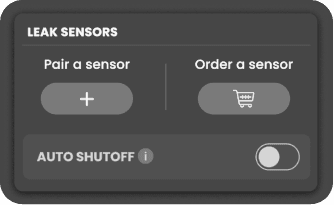
Step 1
Select Your Smart Water Valve
Open the GE Profile Smart Water Valve with Integrated Filtration from your SmartHQ home screen.
01/04
SENSOR PLACEMENTS
Where Should You Put a Water Leak Sensor?
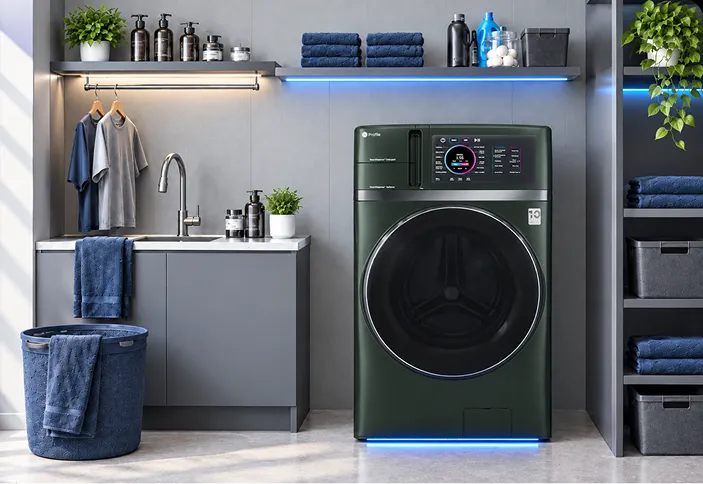
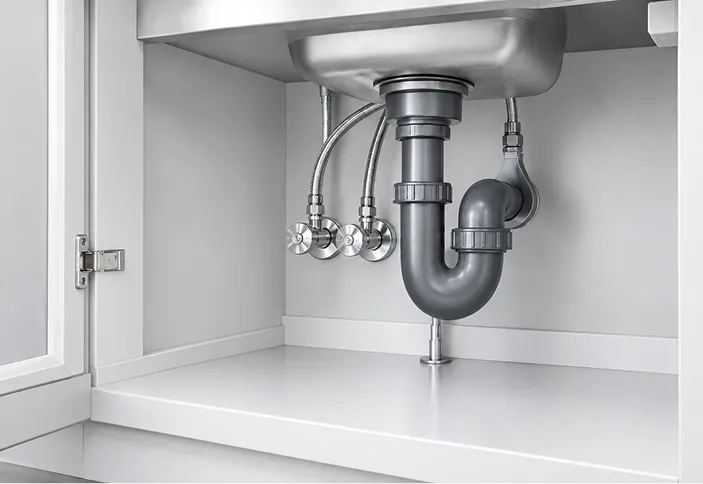
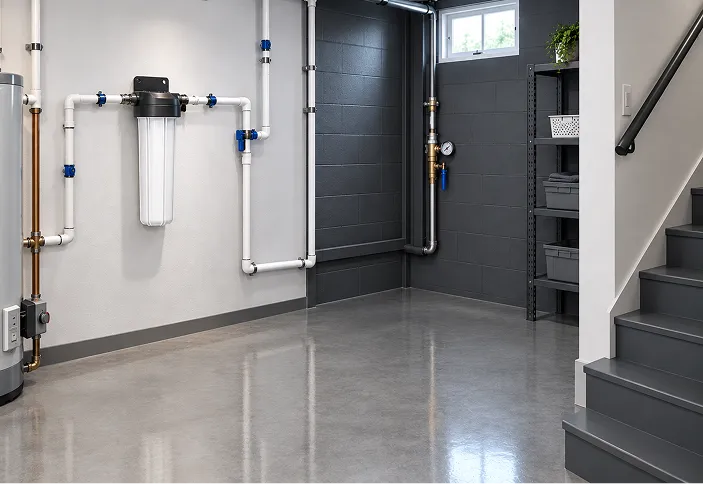
Place leak sensors in areas where unwanted water is most likely to appear. Useful locations include:
Using sensors in several high-risk areas can provide earlier awareness when water appears away from the main valve.
WATER SHUTOFF VALVE
Turn On Auto Shutoff
After setting up your compatible leak sensor, open the Leak Sensors card and review the available shutoff settings.
When supported Auto Shutoff functionality is enabled, detection from a connected leak sensor can trigger the smart valve to close and help reduce continued water flow.

Simulate leak detect
Automatic simulation of leak detection and water shutoff.
REMOTE WATER SHUTOFF
Can You Shut Water Remotely?
Yes. The GE Profile™ Smart Water Valve with Integrated Filtration supports remote water shutoff through SmartHQ™.
This gives homeowners the ability to respond to a potential leak even when they are away from home.
KEY CAPABILITIES
What Else Can the GE Profile™ Smart Water Valve Do?
The system also provides whole-home water management features. Key capabilities include:
Water-usage monitoring through SmartHQ
Remote water shutoff
Leak protection
Integrated whole-home filtration
A digital control panel
Filter-life information
FAQ’s
Frequently Asked Questions
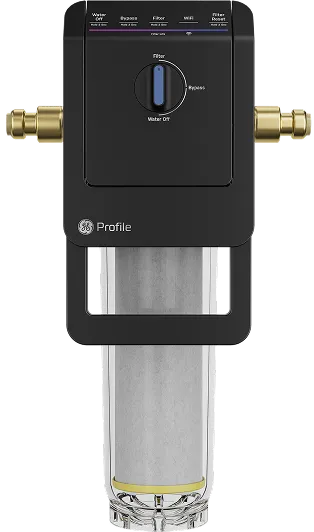
Current GE Profile™ materials identify the Smart Water Valve with Integrated Filtration as model PXWH70Y or PXWH80Y.
The connected system provides leak-protection functionality and remote water shutoff through SmartHQ.
Compatible wireless sensors can extend leak monitoring into selected areas around the home.
Yes. The Smart Water Valve allows users to remotely shut off water through SmartHQ.
Place sensors near high-risk areas such as sinks, water heaters, plumbing connections, utility rooms, basements, and water-using appliances. Make sure your sensor is within range of the appliance as this range may vary based on walls and floors or other materials that may separate the sensor from the appliance.
Yes. Its integrated filtration reduces sand, sediment, and chlorine taste and odor before water moves throughout the home.
No. Leak detection and automatic or remote shutoff can help reduce continued water flow. They cannot detect every leak or prevent every type of water damage.